Turn Any Idea Into a Printable 3D Model the Same Day with the
AI PRINT ACCELERATOR
Without learning CAD, watching hours of tutorials, or wanting to smash your printer with a sledgehammer.
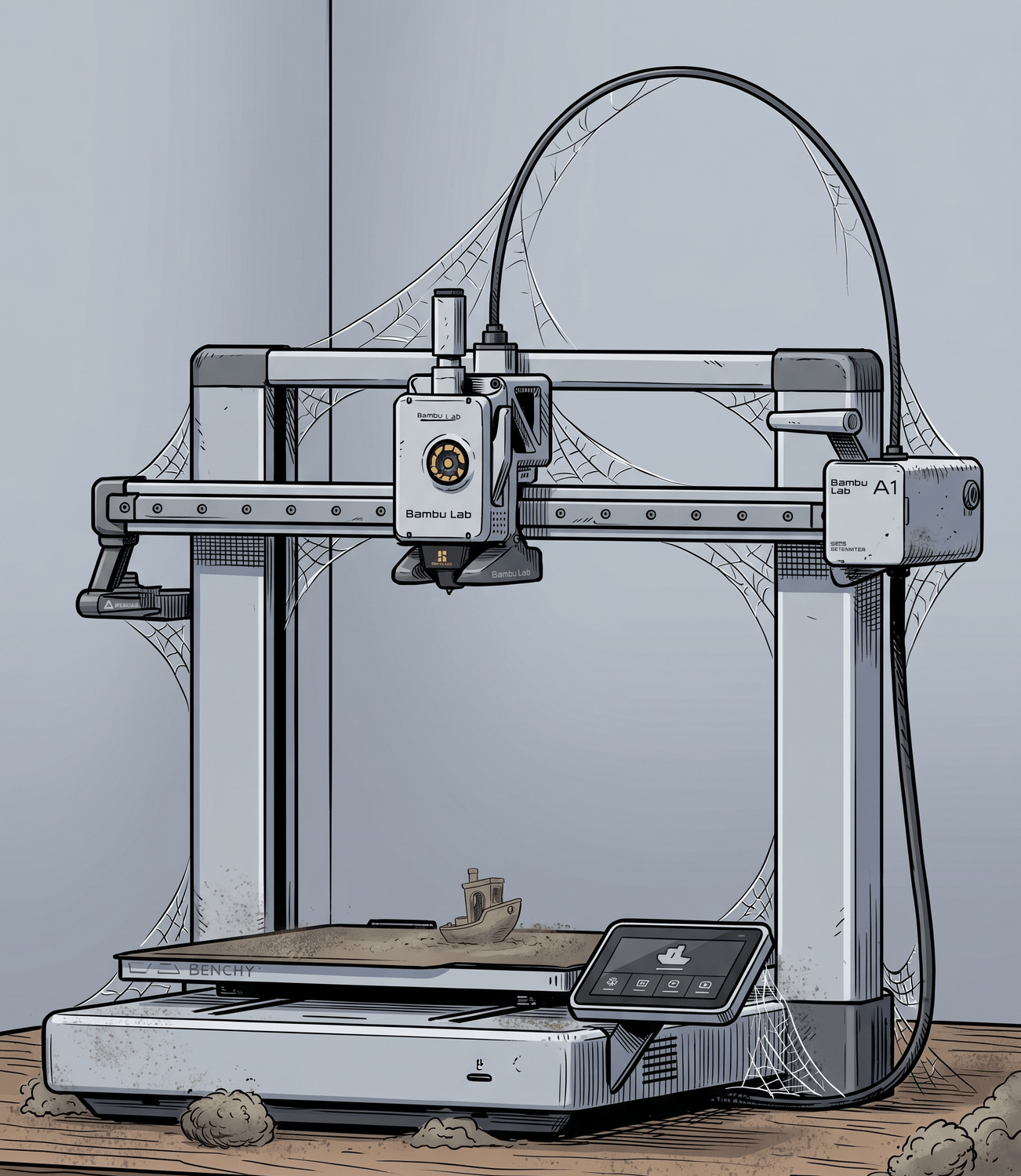
Your 3D Printer Is Slowly Becoming the Most Expensive Dust Collector in Your House
Read this before you list it on Facebook Marketplace.
You were excited when you bought it.
You downloaded some files from Thingiverse and MakerWorld.
You printed a few cool things.
Then you had an idea of your own.
A custom helmet for the superhero show you've been watching. Or a personalized anniversary gift for your wife.
You searched for the file but nothing matched exactly.
So you thought "I'll just modify it" … until you realized it wasn’t so easy.
So you tried to learn CAD…
but all the features in Blender completely overwhelmed you.
You followed a YouTube tutorial but the version didn't match, and 10 minutes in you were lost.
Now your printer's just sitting there collecting dust.
But before you sell it and move on to another hobby, let me tell you what's really holding you back.
You Don't Need to Learn CAD to Bring Your 3D Printing Ideas to Life
Mesh modeling tools like Blender were built for animation studios and professional 3D artists.
They're powerful, but they take months or years to learn and hours (or days) to create what you want.
You're a hobbyist who wants to print personalized gifts, figurines, and cosplay props — not animate short films or professional renderings.
But things have changed and there's an easier way.
All you need is one AI tool that takes the idea in your head and turns it into a printable model in minutes.
Let me show you how it works.
Use AI Go From: "I Have an Idea" to finished print... THE SAME DAY.
Here's How:
1️⃣ Use my prompts to generate the exact image you've been visualizing in your head. → 2 minutes
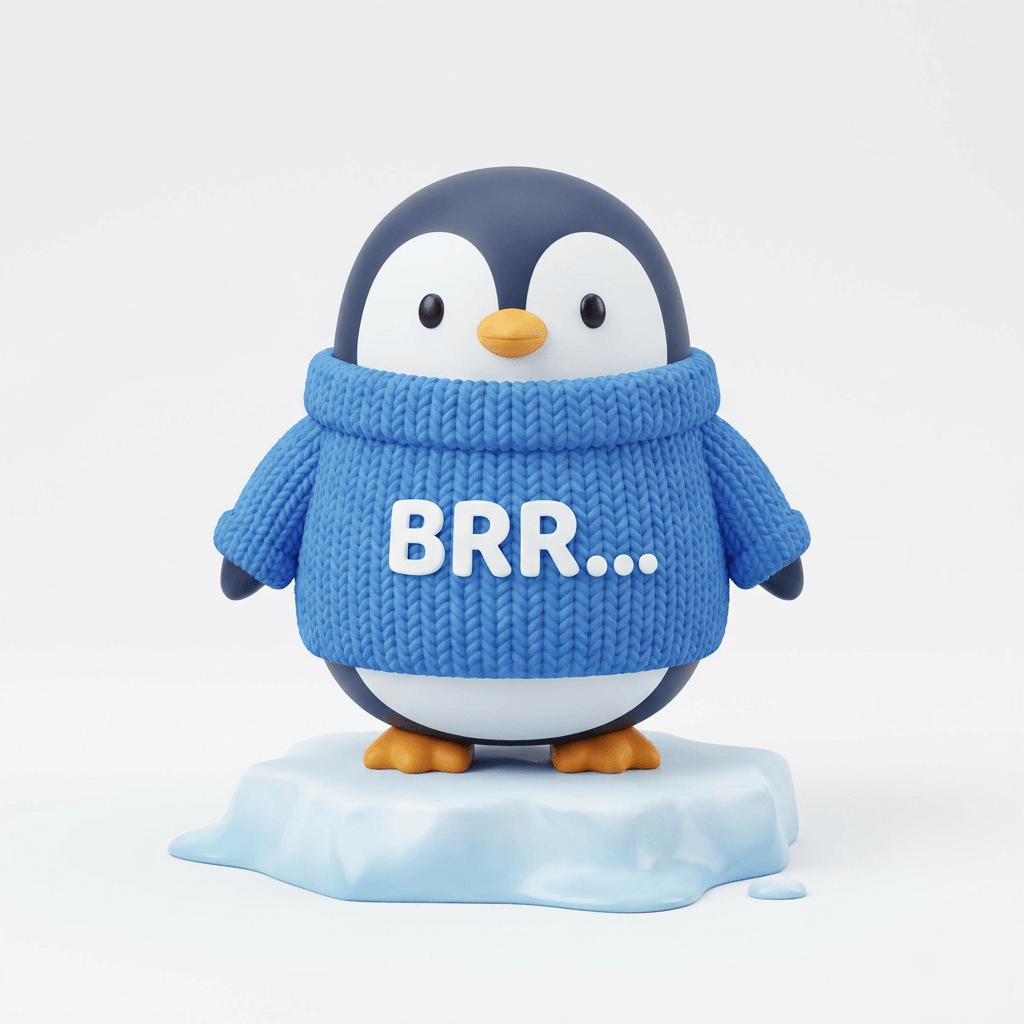
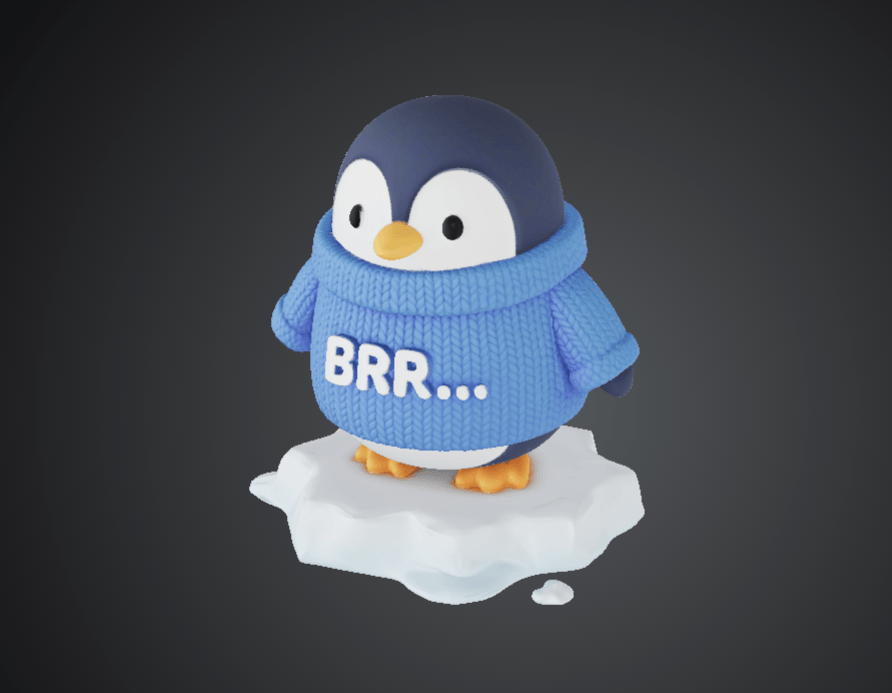
2️⃣ Drop that image into the AI tool and adjust a few key settings to get an STL file → 2 minutes
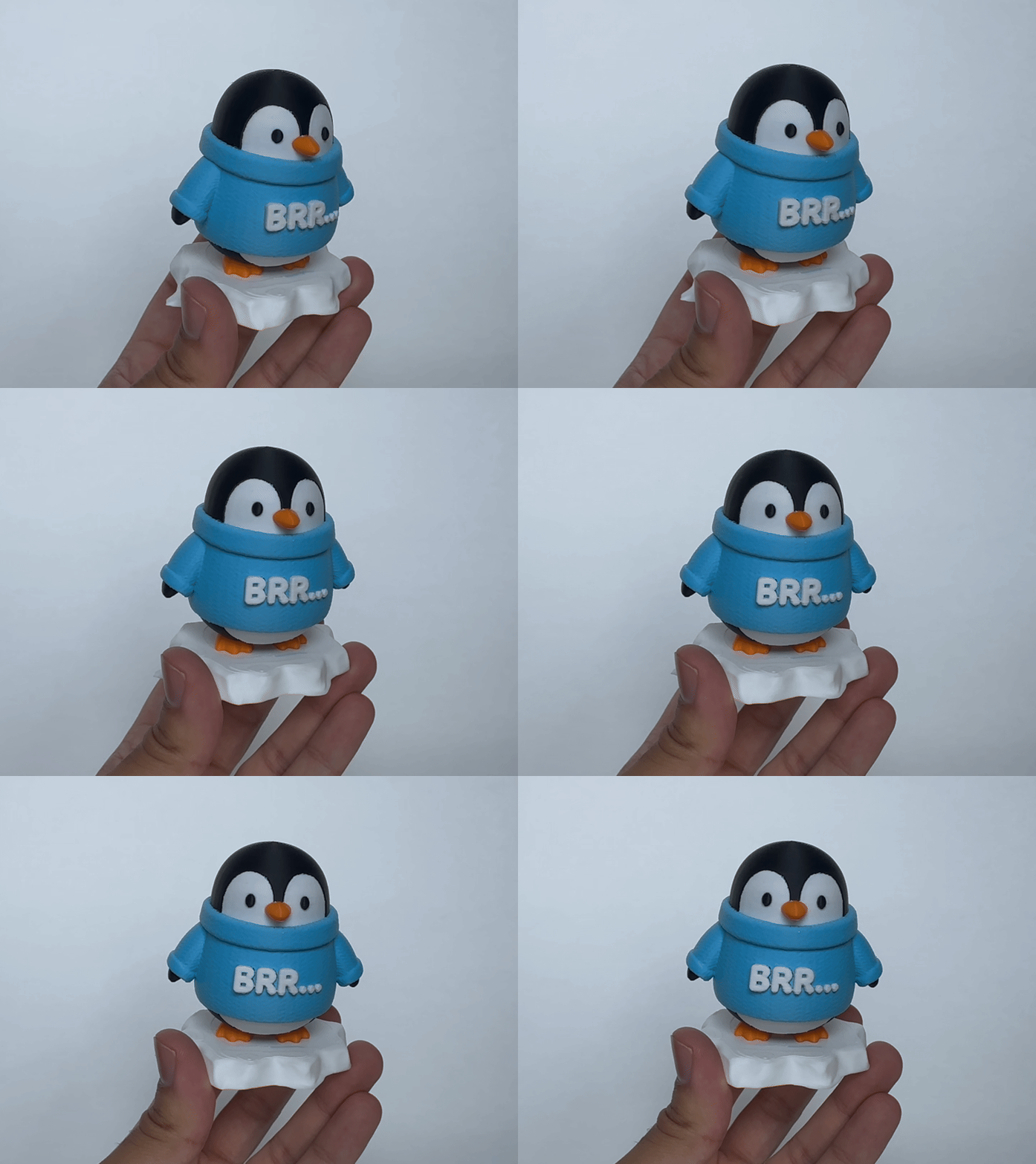
3️⃣ Change a few settings in the slicer to make it actually print-ready, and send it to your printer → 10 minutes.
The same day you're holding your idea in hand.
7 Years using CAD. Now I Use AI.
Hi, I'm Mubeen.
I'm a mechanical engineer with 7+ years of experience using CAD to design engineering parts and assemblies with 1000s of components.
But to tell you the truth, Blender was a bit overwhelming even for me.
Plus it takes hours to design a model...hours I didn’t have.
Then I found this AI tool that makes models that look impressive, but are not quite ready to print.
With some trial and error over a few months, I figured out how to modify the model for perfect prints every time - all without using CAD.
Now when I need to design something, I start with a prompt to generate an image, follow this workflow, and anything I imagine becomes real in minutes.
I'm going to show you exactly how to do the same thing.
What's Inside the AI Print Accelerator
➡️ The Exact Prompts That Turn Your Ideas Into Real Images
Imagine just describing what's in your head and watching the perfect image of it appear on your screen seconds later.
Just type what you want and AI draws it for you. I'm giving you the prompts that make this work every single time.
➡️ The 2-Minute Trick to Turn Any Image Into a 3D Model
This is the part that feels like magic:
You take that image you just generated, drop it into one tool, and 2 minutes later you have a 3D model of your idea. No need to learn CAD.
➡️ The Slicer Setup That Makes AI Models Print Like a Dream
I'll show you the exact settings I use so your prints come off the bed looking incredible the first time.
No more failed 8-hour prints, no more wasted filament, and no more models that look like a melted blob.
➡️ The Quick Fixes That Make AI Outputs Print-Ready
AI gets you 80% of the way there, and I'll show you how to handle the critical last steps (20%).
The small tweaks that turn impressive (but not print-ready) models into stunning ones that print cleanly - and you can do them all without learning CAD.
➡️ Real Examples of Cool Stuff You Can Print
Once the workflow clicks, you can print anything that pops into your head.
I'll walk you through real examples so you can see exactly what's possible, including:
✅ cosplay helmets
✅ wargaming dioramas
✅ figurines of your favorite characters
✅ custom planters
✅ personalized gifts you can't find anywhere else
Your Two Options:
Option 1:
You close this page and keep trying to learn Blender on YouTube.
You watch another tutorial. You get stuck 30 minutes in.
You tell yourself you'll figure it out this weekend.
You don't. Your printer keeps collecting dust.
Eventually you list it on Facebook Marketplace for half what you paid.
Option 2:
You click the button below and get the AI Print Accelerator...
You generate your first AI image in 2 minutes. You're holding your very own 3D print tonight.
Then it keeps going. Custom toys for your kids.
Cosplay props for the show you've been watching.
Personalized gifts that mean something.
The figurine of your daughter's favorite character.
Your printer becomes the most fun tool you can't stop using.
Click the button below and start printing anything you can imagine.
See you inside.
— Mubeen
FAQ
"Can I make parametric models?"
This guide is for models generated with mesh modeling (Blender), not for precise engineering models with tight tolerances.
"AI tools never work for me. The outputs are always bad."
The image generation is a critical step. I'll show you exactly how to generate the right image so the AI gives you a usable model. This is the step most tutorials skip.
"I'm not technical. Is this for me?"
Yes, this workflow is for 3D printer owners who don’t know CAD, but still want to print amazing models.
"Will the models actually print?"
Yes. The workflow includes the slicer settings and tips so your AI generated model can be printed cleanly.
"What if the AI output isn't perfect?"
It’s possible your model isn’t perfect. You'll learn how to do small edits to fix issues without starting over.
"Do I need expensive software?"
The AI tool is $20 per month but you can even try it for free.
"I already tried Blender and gave up. Is this different?"
Yes. This is the opposite of Blender. You're not building from scratch. You're guiding AI to build it for you, then cleaning up the result.